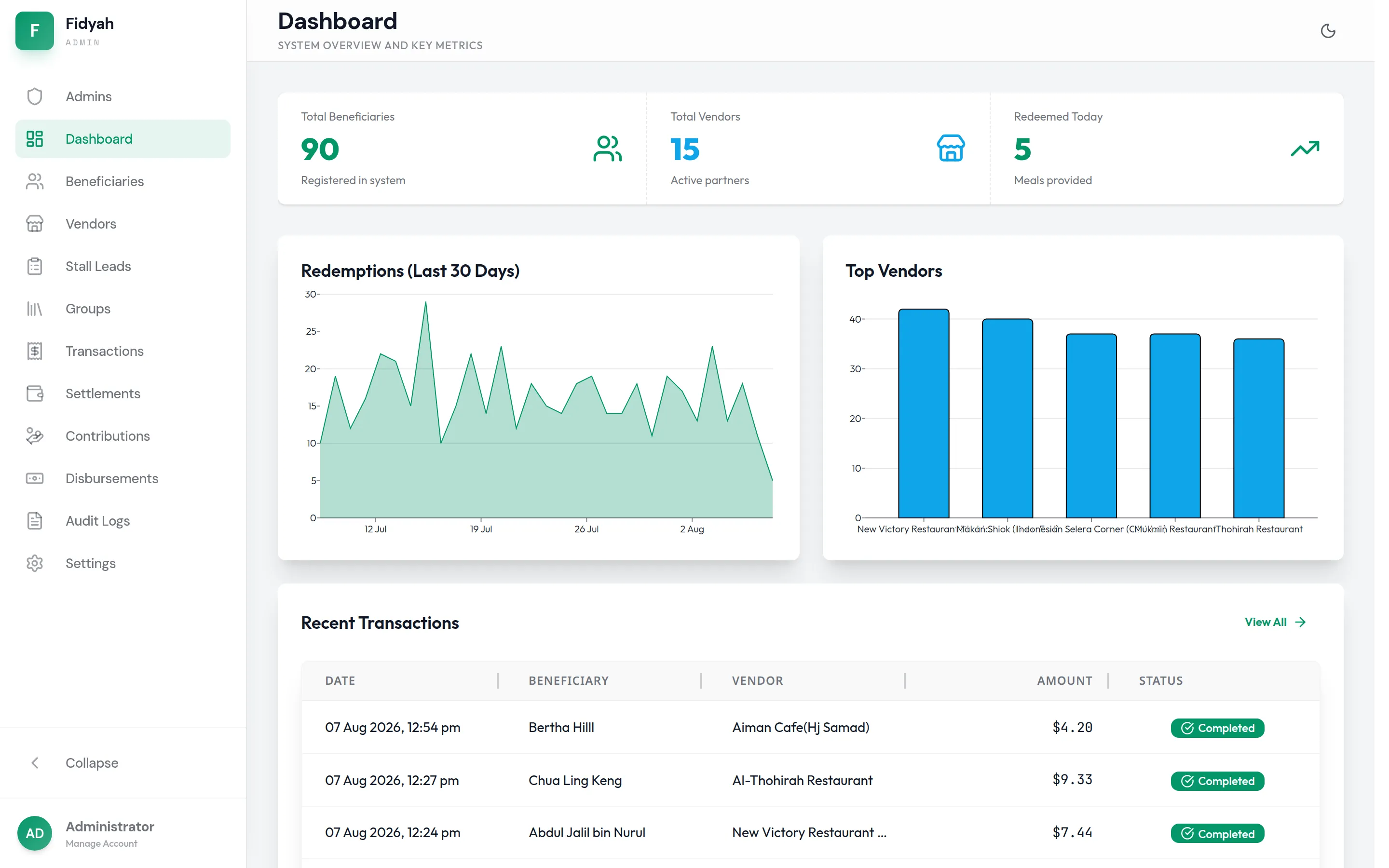
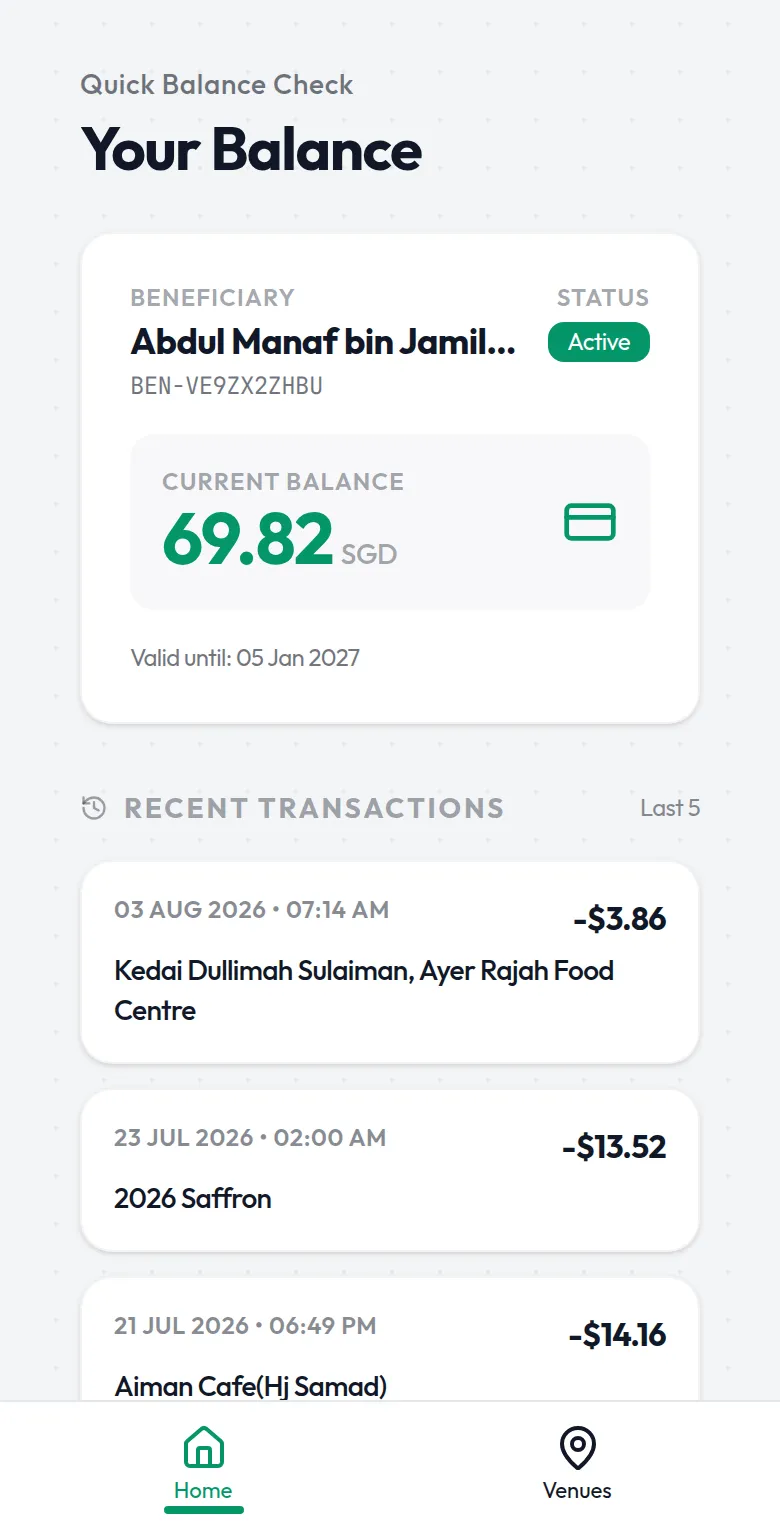
Fidyah
Stalls submit claims with receipts. The system checks each receipt automatically and flags anything that needs a closer look before payout.
- I built
- Automatic receipt checks, claim flags, settlements and a full audit log
Your team shouldn't spend the afternoon retyping form answers. I connect the tools you already use and automate the steps in between, so details move by themselves and staff only check what matters.
Website form
Catering enquiry
Google Sheet
Catering enquiries
| # | Name | Date | Status |
|---|---|---|---|
| 46 | Mdm Lim | 2 Mar | Booked |
| 47 | Hafiz R. | 7 Mar | Quoted |
| 48 | Nur Aisyah | 14 Mar | New |
Approval
Quote for Nur Aisyah
Buffet for 120 guests, Sat 14 March
FFarid approved
WhatsApp to your team
New catering enquiry: Nur Aisyah, 14 March, 120 guests. Quote approved. Siti to follow up.
SReminder for Siti, Thursday 10am
If someone on your team is the human bridge between two apps, this is for you.
I start with the tools you already pay for and connect them, so nobody has to learn a new app.
Form answers go straight into Google Sheets, your CRM or your own system, with no retyping.
Requests reach the right person, and reminders and follow-ups go out on time without anyone chasing.
Receipts, invoices and forms are read automatically into draft records for your team to check and approve.
The right people hear about new enquiries, bookings or claims by email or WhatsApp the moment they arrive.
Leads, follow-ups and customer history in one place, fed by your website and forms.
I keep the automations running, fix issues and adjust them as your process changes.
A catering enquiry, start to finish.
Through your website form or WhatsApp.
In your Google Sheet or CRM, already filled in.
An email or WhatsApp alert goes to whoever handles it.
A reminder goes out if nobody has replied in time.
Fidyah reads stall receipts automatically and keeps every claim on an audit trail.
Stalls submit claims with receipts. The system checks each receipt automatically and flags anything that needs a closer look before payout.
Every project starts with a short chat and one fixed quote, and comes with monthly care once it's live.
Usually not. I start with what you already use, like Google Forms, Sheets, email and your CRM, and connect them. New software only comes in when it clearly saves time.
You do. Payments, approvals and claims wait for a person to confirm, and you can see what ran and when.
Yes. Automations can connect to a website, booking system or chatbot I build, or to the systems you already have.
Tick what fits and I'll write the WhatsApp message for you. You can change anything before you send it.
Most projects mix more than one. A website can feed a booking system, and a chatbot can fill it.